
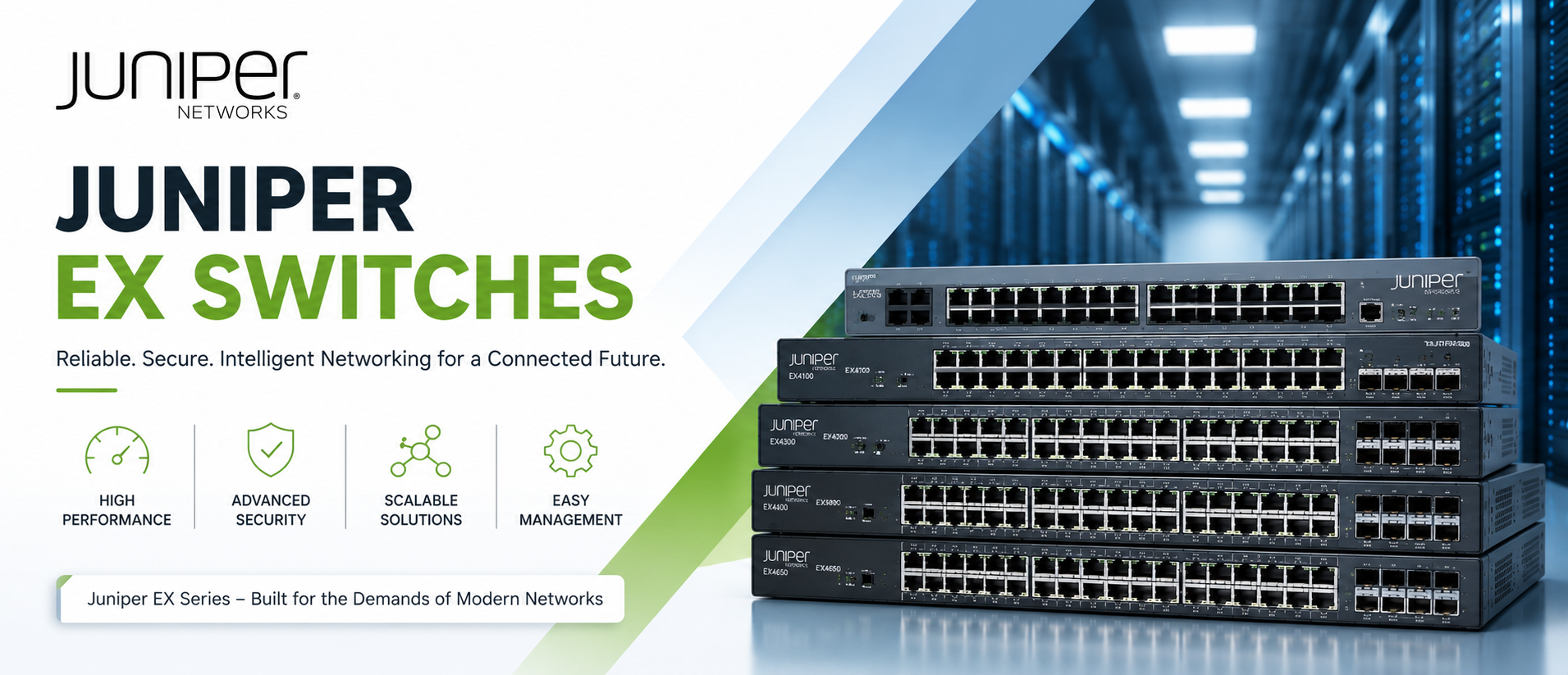
Juniper EX Switches: New Enterprise Ethernet Switches for Campus, Branch, and Data Center Networks
Juniper EX Series switches are the enterprise-grade Ethernet switching platform behind campus networks, branch offices, and data center edges around the world. Netseg stocks the complete EX Series lineup — from the compact EX2300 access switch to the modular EX9200 core platform — as 100% new, factory-sealed hardware, with genuine Juniper firmware, full manufacturer warranty eligibility, and fast shipping across the UAE, Saudi Arabia, Qatar, and the wider GCC region.
Whether you’re refreshing a school’s access layer, building an EVPN-VXLAN campus fabric for a hospital network, or specifying core switching for a government data center, our team can match the right EX model to your port count, PoE budget, uplink speed, and redundancy requirements — and get you a formal quotation within hours, not days.
Talk to a Juniper networking specialist today — request a quote, ask about bulk/government pricing, or get help choosing between EX4100 and EX4400 for your next refresh.
What Are Juniper EX Switches?
Juniper EX Series switches are fixed-configuration and modular Ethernet switches built by Juniper Networks (now part of HPE) for enterprise LAN, campus, and data center environments. They run Junos OS, Juniper’s single, consistent operating system that spans EX switches, QFX data center switches, MX routers, and SRX firewalls — which means one CLI, one automation framework, and one set of operational skills across a customer’s entire Juniper estate.
The EX line spans three broad roles:
- Access layer — connecting end devices (laptops, IP phones, access points, cameras, IoT sensors) to the network. This is where EX2300, EX3400, EX4100, and EX4300 typically sit.
- Distribution/aggregation layer — collecting traffic from access switches and routing it toward the core, often with 10GbE/25GbE/100GbE uplinks. EX4400 and EX4650 commonly serve here.
- Core layer — the high-capacity backbone of a campus or data center network, typically modular chassis platforms like EX9200 and its fixed high-density sibling EX9250.
Modern EX switches (EX4100 and EX4400 in particular) are also AI-native and cloud-managed through Juniper Mist. Mist brings Marvis, Juniper’s virtual network assistant, into day-to-day operations — surfacing anomalies, correlating wired and wireless issues, and giving network teams a natural-language way to ask “why is this device having a bad experience?” instead of digging through logs manually. Older or budget-focused models (EX2300, EX3400, EX4300) can still be managed the traditional way — CLI, J-Web, or a network management platform — without a mandatory cloud subscription.
Layer 2 switching (VLANs, spanning tree, link aggregation) is standard across the entire EX line. Layer 3 routing capability (static routes, OSPF, BGP, and on higher-end models EVPN-VXLAN) varies by model and license tier — this is one of the first things to check when matching a switch to a design.
Why Businesses Choose the Juniper EX Series?
Reliability. EX switches are built for continuous operation in mission-critical environments — schools that can’t have a network outage mid-exam, hospitals running clinical systems, banks processing transactions. Features like redundant power supplies, hot-swappable fans, and non-stop routing/bridging in Virtual Chassis configurations exist specifically to avoid single points of failure.
Performance. From 1GbE access ports to 100GbE uplinks on EX4400/EX4650, the EX line scales with device density and bandwidth demand — important as networks absorb more Wi-Fi 6/6E access points, PoE-powered cameras, and multigigabit endpoints.
Security. MACsec (AES-256) switch-to-switch encryption, group-based policies for microsegmentation, and integration with Juniper’s broader security portfolio give IT and security teams a way to enforce Zero Trust principles at the switching layer, not just at the firewall.
Automation. Juniper’s Zero Touch Provisioning (ZTP) lets a new switch pull its configuration automatically on boot — a real time-saver for organizations rolling out dozens or hundreds of access switches across branches.
Scalability. Virtual Chassis technology lets multiple physical EX switches (up to 10, depending on model) operate as a single logical switch with one management IP — simplifying both day-to-day operations and future capacity growth.
Energy efficiency. Newer EX models are designed with power-conscious silicon and efficient PoE delivery, which matters when a wiring closet is powering dozens of access points, phones, and cameras simultaneously.
Cloud management (optional, not mandatory). Organizations that want centralized, AI-assisted operations across many sites can adopt Juniper Mist. Organizations that prefer traditional on-premises management can continue running Junos CLI/J-Web without being forced into a cloud model.
Lower operational costs. A consistent Junos OS across switches, routers, and firewalls reduces the training burden on network teams and simplifies troubleshooting — fewer different command syntaxes and management tools to maintain expertise in.
Key Features Of Juniper EX Switches
Virtual Chassis — Juniper’s stacking technology that interconnects multiple physical EX switches (via dedicated stacking ports, typically 10GbE or 25GbE depending on model) so they behave as one logical switch with a single management interface, single control plane, and coordinated failover. This dramatically simplifies management of access-layer switch groups compared to managing each switch individually.
PoE+ and PoE++ — Power over Ethernet lets a switch deliver electrical power to connected devices (APs, phones, cameras, IoT sensors) over the same cable that carries data. PoE+ (802.3at) delivers up to ~30W per port; PoE++ (802.3bt), found on multigigabit EX4100 and EX4400 models, can deliver up to 90W per port — enough for high-draw Wi-Fi 6E access points, PTZ cameras, and digital signage.
Multigigabit Ethernet — Ports that auto-negotiate between 1GbE, 2.5GbE, 5GbE, and 10GbE on the same physical cabling, letting organizations get more bandwidth to modern Wi-Fi 6/6E access points without re-cabling a building. This is a defining feature of the EX4100 and EX4400 lines.
10G, 25G, and 100G Uplinks/Stacking — Higher-speed interfaces used either to stack switches together or to uplink an access switch to the distribution/core layer. 25GbE has become the standard stacking interconnect on newer EX models (EX4100, EX4400, EX4650), while 100GbE uplinks appear on EX4400 and EX4650 for high-bandwidth core connectivity.
Junos OS — The single operating system running across Juniper’s entire portfolio (EX, QFX, MX, SRX). Consistent CLI syntax and a common automation framework (NETCONF, REST APIs, Ansible modules) reduce the operational learning curve for network teams managing mixed Juniper environments.
MACsec (AES-256) — Hop-by-hop Layer 2 encryption between switches, protecting data in transit across the physical network — relevant for organizations with compliance requirements around data-in-transit protection (finance, healthcare, government).
VXLAN and EVPN Support — EVPN-VXLAN lets Ethernet segments be extended across a routed (Layer 3) network as if they were on the same Layer 2 segment. On EX switches, this is increasingly used to build campus fabrics where the same overlay technology used in the data center extends out to the access layer — useful for organizations standardizing on one fabric architecture across campus and data center.
QoS (Quality of Service) — Traffic prioritization mechanisms that ensure latency-sensitive traffic (voice, video conferencing) gets precedence over bulk data transfers during periods of congestion.
High Availability — Redundant power supplies, hot-swappable fans, and (in Virtual Chassis or modular chassis deployments) graceful routing engine switchover, so a single component failure doesn’t take down the network.
Redundant Power — Dual power supply support on most EX models above entry-level, allowing continued operation if one PSU fails — important in always-on environments like hospitals and data centers.
Zero Touch Provisioning (ZTP) — A new switch, once physically connected and powered on, can automatically retrieve its configuration and firmware from a provisioning server or the Mist cloud — reducing manual configuration time during large rollouts.
Automation — Support for NETCONF, REST APIs, and tools like Ansible allows network teams to script configuration changes, audits, and deployments rather than doing them switch-by-switch through the CLI.
Mist AI Integration — On Mist-managed EX models (primarily EX4100 and EX4400), Juniper’s Marvis virtual network assistant analyzes telemetry from switches and wireless access points together, helping IT teams identify root causes (a bad cable, a misconfigured VLAN, a flaky AP) faster than manual log review.
Juniper EX Product Family Comparison
| Model | Best For | Port Speeds | PoE | Stacking (Virtual Chassis) | Layer 3 | Ideal Business Size |
|---|---|---|---|---|---|---|
| EX2300 | Small branch/office access | 1GbE access, 1G/10G uplinks | PoE+ (select models) | Yes | Basic (static/OSPF) | Small office, small branch |
| EX3400 | Mid-size branch/campus access | 1GbE access, 10G uplinks | PoE+ (select models) | Yes | Static/OSPF/BGP (license-dependent) | SMB, mid-size branch |
| EX4100 | Modern Mist-managed access | 1GbE access, multigig on select SKUs, 10G/25G uplinks | PoE+ / PoE++ (up to ~90W on multigig models) | Yes (25GbE stacking) | Full L2/L3, EVPN-VXLAN | SMB to large campus |
| EX4300 | Established campus/data center access | 1GbE access, 10G/40G uplinks | PoE+ (up to ~30W) | Yes (with EX4600) | Full L2/L3 | Mid-size to large campus |
| EX4400 | High-density multigig access | 1/2.5/5/10GbE access, 100G uplinks | PoE++ (up to ~90W, high-PoE-budget SKUs available) | Yes (25G/100G stacking) | Full L2/L3, EVPN-VXLAN | Mid-size to large enterprise |
| EX4600 | Legacy aggregation | 10G/40G | No | Yes (with EX4300) | Full L2/L3 | Large campus/data center |
| EX4650 | Campus aggregation & distribution | 10/25GbE access, 40/100GbE uplinks | No | Yes | Full L2/L3, EVPN-VXLAN, MPLS | Large enterprise, data center edge |
| EX9200 | Modular campus/data center core | Modular line cards, up to 100GbE | No | N/A (modular chassis redundancy) | Full L2/L3, advanced routing | Large enterprise, government, telecom |
Exact port counts, PoE budgets, and licensing vary by specific SKU. Our team confirms exact specifications against your requirements before quoting.
Industries That Rely on Juniper EX Switches
- Government — Segmented, auditable networks with strong access control across departments and secure facilities.
- Healthcare — Reliable, low-latency networks for clinical systems, medical IoT devices, and PoE-powered equipment, with MACsec for data-in-transit protection.
- Education (Schools & Universities) — Cost-effective access switching for classrooms and dorms, PoE for access points and cameras, and Virtual Chassis for simplified management across large campuses.
- Banking & Financial Services — Security-focused deployments requiring encryption, segmentation, and strict change control.
- Hospitality — Guest and staff network separation, PoE for access points across large properties.
- Retail — Branch/store networking with centralized, cloud-based management across many locations (a strong fit for Mist-managed EX4100/EX4400).
- Manufacturing — Ruggedized network segments for OT/IoT devices alongside standard IT traffic.
- Warehouses & Logistics — Wide-area PoE deployments for handheld scanners, cameras, and wireless coverage.
- Telecom — Aggregation and edge switching feeding into larger service provider infrastructure.
- Data Centers — EX4650 and EX9200/EX9250 as campus-to-data-center bridge points, EVPN-VXLAN fabric extension.
Juniper EX vs Cisco Catalyst: An Honest Comparison
Both platforms are proven, widely deployed enterprise switching lines, and the right choice often comes down to existing skills, ecosystem, and specific feature priorities rather than one being categorically “better.”
Factor Juniper EX Series Cisco Catalyst Operating System Junos OS — one consistent OS across switches, routers, firewalls IOS-XE — consistent across most modern Catalyst platforms Cloud Management Juniper Mist (AI-native, Marvis assistant) Cisco Meraki (cloud-managed) or Catalyst Center (on-prem/cloud) AI/Automation Mist AI is widely regarded as an early, mature entrant in AI-driven wired/wireless assurance Cisco has invested heavily in Catalyst Center and AI-driven analytics, with a large existing customer base Licensing Subscription and perpetual options depending on model and management platform Cisco DNA/Catalyst licensing, also subscription and perpetual depending on tier Performance Strong across access, aggregation, and core tiers; EX4650/EX9200 competitive at the high end Strong across the same tiers; very large installed base and third-party ecosystem Security MACsec AES-256, group-based policies, EVPN-VXLAN microsegmentation MACsec, TrustSec, and a broad security portfolio integration Scalability Virtual Chassis stacking; EX9200 modular chassis for large cores StackWise stacking; Catalyst 9600 modular chassis for large cores Price Generally competitive, often positioned as strong value at equivalent performance tiers Premium pricing reflecting market position and ecosystem breadth Ecosystem/Familiarity Smaller installed base than Cisco; strong fit for organizations standardizing on Juniper across routing/security Largest installed base in enterprise networking; extensive training, certification (CCNA/CCNP), and partner ecosystem Bottom line: Organizations already running Juniper MX routers or SRX firewalls often extend that investment to EX switches for one consistent Junos experience. Organizations deeply invested in Cisco’s certification ecosystem and existing IOS-XE skills may find Catalyst a more familiar fit. Both are legitimate, well-supported choices — the decision should be driven by your existing infrastructure, team skills, and specific feature requirements (e.g., need for Mist AI vs. Cisco DNA Center) rather than a blanket “best” answer.
Juniper EX vs Aruba CX: A Professional Comparison
Aruba CX (HPE) is another strong contender in enterprise campus switching, particularly for organizations already using Aruba wireless access points and Aruba Central for unified management.
- Cloud Management: Aruba Central offers unified wired/wireless/SD-WAN management; Juniper Mist offers a comparable unified experience with a strong reputation for AI-driven wireless assurance (Marvis) that extends to wired assurance on supported EX models.
- Automation: Both platforms support Zero Touch Provisioning and REST API-based automation.
- AI Capabilities: Aruba’s AIOps and Juniper’s Mist AI both aim to reduce mean-time-to-resolution for network issues; evaluation often comes down to hands-on trials in your specific environment.
- Ecosystem Fit: If your wireless access points are already Aruba, staying within the Aruba CX/Central ecosystem can simplify unified dashboards. If you’re building a Juniper-standardized network (Mist APs, EX switches, SRX firewalls), the EX line keeps that consistency.
- Price and Licensing: Both vendors offer tiered subscription models; a like-for-like comparison should be done per-project since licensing bundles change frequently.
Bottom line: Aruba CX and Juniper EX are both credible, modern platforms. The deciding factor is typically which wireless/management ecosystem an organization has already standardized on, rather than a clear technical gap between the two.
Juniper EX vs Dell Networking: A Professional Comparison
Dell Networking (PowerSwitch, N-Series) switches are often positioned on price and open networking flexibility (support for third-party network operating systems in some product lines).
- Operating System: Dell offers its own OS10 as well as support for open/disaggregated networking options on some models; Juniper’s Junos OS is proprietary but extremely consistent across the entire Juniper portfolio.
- Enterprise Feature Depth: Juniper EX switches, particularly EX4100/EX4400/EX4650, offer deep EVPN-VXLAN and AI-driven operational tooling (Mist) that Dell’s campus-focused lines don’t match feature-for-feature.
- Data Center Fit: Dell PowerSwitch has a strong reputation specifically in data center/hyperscale contexts; for campus and branch networking, Juniper EX has a more mature, purpose-built feature set.
- Price: Dell is frequently positioned as a lower-cost entry point; Juniper EX often wins on total operational value when factoring in Mist AI-driven reductions in troubleshooting time.
Bottom line: Dell Networking is a reasonable fit for organizations prioritizing lowest upfront hardware cost or open networking flexibility in the data center. Juniper EX is generally the stronger fit for campus and branch networks where AI-driven operations, EVPN-VXLAN fabric consistency, and long-term Junos ecosystem alignment matter more than the lowest sticker price.
How to Choose the Right Juniper EX Switch?
1. Count your users and devices per wiring closet. A 24-port switch might suffice for a small branch office; a dense campus floor may need 48-port switches, possibly stacked via Virtual Chassis.
2. Identify your PoE requirements. Are you powering standard IP phones and older APs (PoE+ is enough), or high-draw Wi-Fi 6E APs, PTZ cameras, and digital signage (you likely want PoE++ on EX4100/EX4400 multigig models)?
3. Check fiber and uplink needs. If your distribution layer runs on 10GbE, make sure your access switch has matching uplinks. If you’re planning a 25G/100G backbone, EX4400 or EX4650 fit better than legacy EX3400/EX4300.
4. Plan for growth, not just today’s headcount. Virtual Chassis stacking lets you add capacity by adding switches to an existing logical stack rather than re-architecting — but only if you’ve chosen a model line that supports the stacking speed you’ll need later.
5. Decide on redundancy requirements. Mission-critical environments (hospitals, data centers, trading floors) should prioritize models with dual power supply support and, where applicable, modular chassis redundancy (EX9200).
6. Set a realistic budget — including licensing. Confirm whether the features you need (advanced routing, EVPN-VXLAN, Mist cloud management) require a specific license tier, and factor that into total cost of ownership, not just hardware price.
7. Decide on management model. If you’re standardizing on cloud-based, AI-assisted operations across many sites, prioritize Mist-native models (EX4100, EX4400). If you prefer traditional on-premises CLI/J-Web management without a cloud dependency, EX2300/EX3400/EX4300 remain fully capable options.
Still not sure which model fits your project? Request a free technical consultation — our team will review your port count, PoE load, and uplink requirements and recommend the right EX model(s) before you commit to a quote.
Why Buy Juniper EX Switches From Netseg ?
- 100% New, Factory-Sealed Stock — every switch ships unopened with full manufacturer warranty eligibility; we do not sell refurbished or gray-market units.
- Genuine Juniper Hardware — verified authentic units and firmware, sourced through legitimate supply channels.
- Competitive Pricing — request a quote for single-unit or bulk/project orders; we regularly work with system integrators and IT procurement teams on volume pricing.
- UAE-Based Stock & Global Shipping — fast delivery across the UAE, Saudi Arabia, Qatar, the wider GCC, and international destinations on request.
- Technical Consultation — our team helps you match the right EX model, port density, PoE tier, and licensing to your actual project requirements before you buy.
- Pre-Sales and After-Sales Support — configuration guidance before purchase, and technical support after deployment.
- Bulk & Project Discounts — tiered pricing for schools, hospitals, government tenders, and system integrator projects.
- Fast Quotations — most quote requests are answered within the same business day.
Ready to spec out your next Juniper EX deployment? Contact Netseg for a same-day quotation.


